Wochenplaner
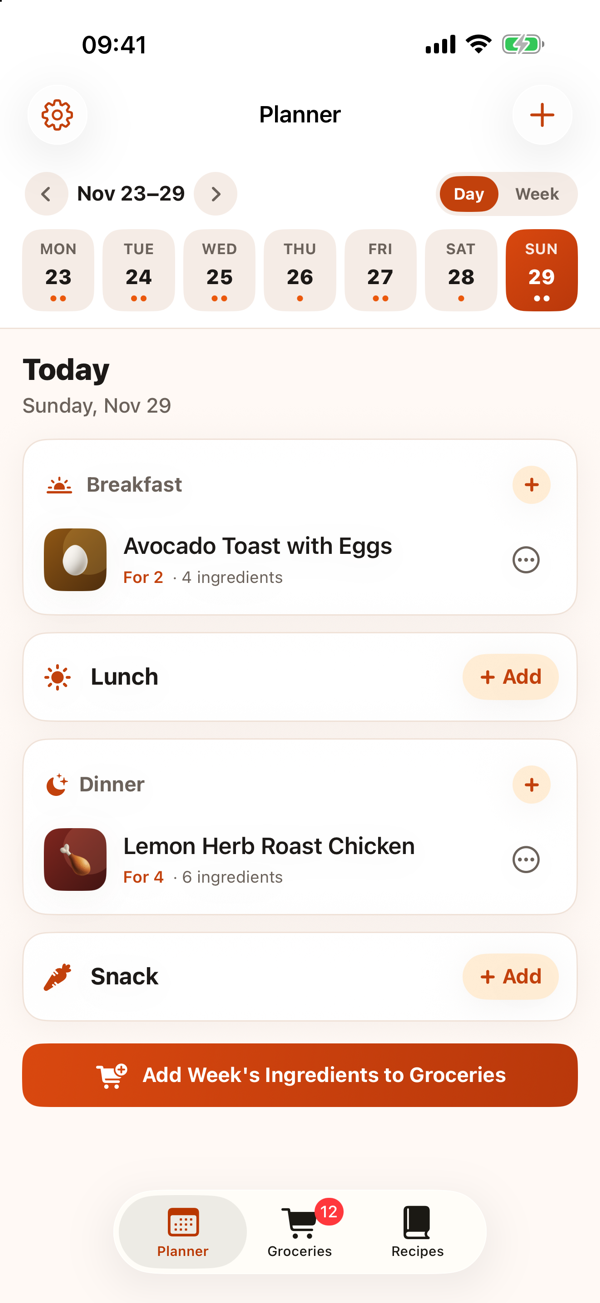
Frühstück, Mittag- und Abendessen für die ganze Woche sekundenschnell planen.
Mise vereint Wochenplaner, sortierte Einkaufsliste und persönliches Rezeptbuch in einer klaren iPhone-App — inklusive über 50 Gerichten und 290 bebilderten Produkten.

Kostenlos im App Store für iPhone · Privat & 100 % offline.
Schnell mit einer Hand im Supermarkt und übersichtlich am Herd.
Frühstück, Mittag- und Abendessen für die ganze Woche sekundenschnell planen.
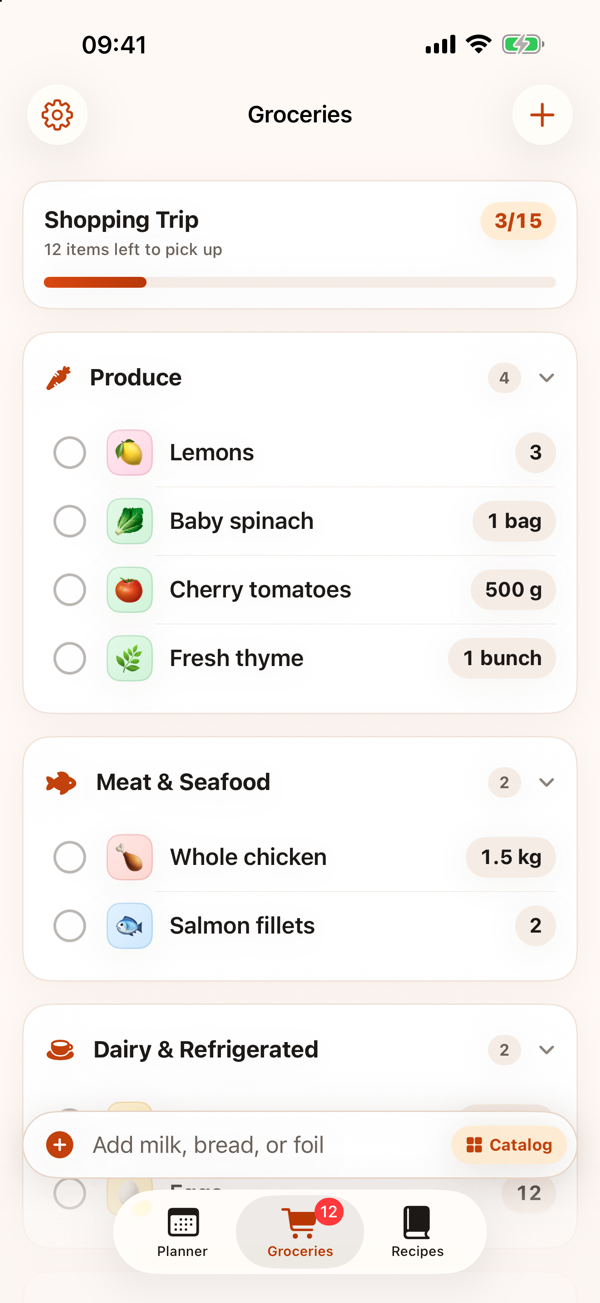
Klare einzeilige Einträge mit automatisch summierten Zutatenmengen.
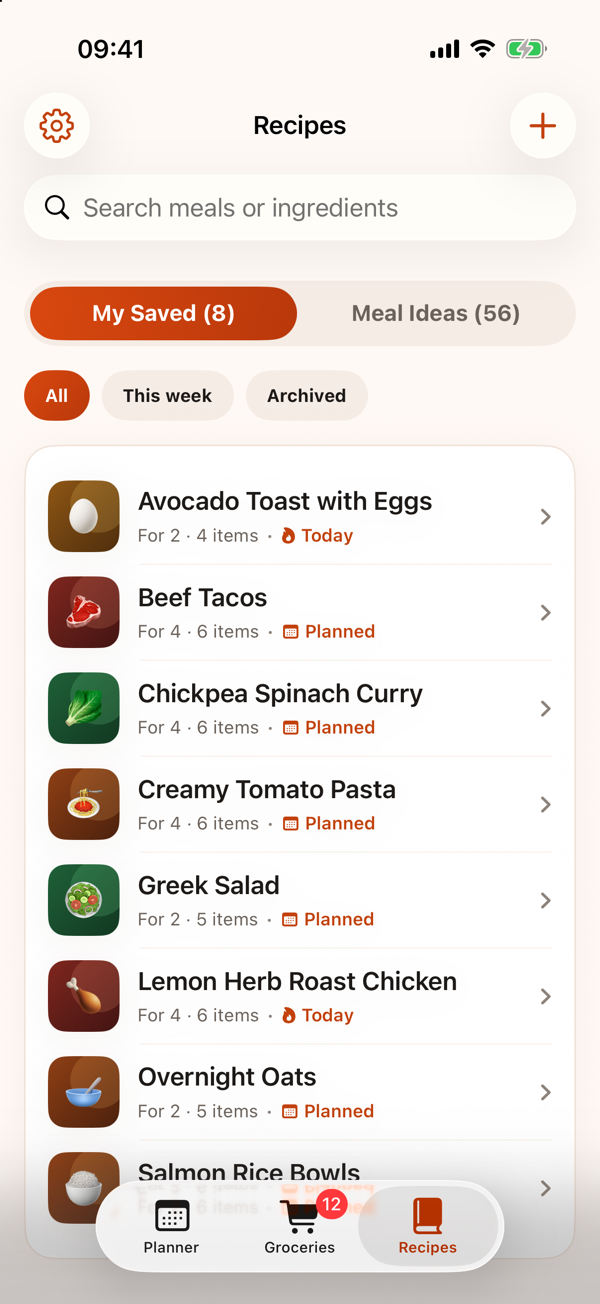
Rezepte aus der Zwischenablage einfügen oder aus 56 Ideen auswählen.
Fast with one hand in a busy supermarket, readable across the kitchen counter.
Start immediately with 56 ready-to-cook meals across 7 categories and nearly 300 illustrated groceries and kitchen prep supplies.
Copy ingredients and steps from Notes, websites, or social captions — Mise structures the title, amounts, and steps instantly.
Step-by-step kitchen mode keeps your iPhone screen awake while you chop, simmer, and plate, with instant US & Metric scaling.
Arrange aisles to match the exact path you walk through your local supermarket so you never backtrack.
Kein Login, kein Tracking und keine Werbung. Funktioniert selbst im Supermarkt ohne Empfang.
No. Mise opens straight to your Meal Planner with zero sign-up, zero tracking, and zero ads.
Tap 'Add Week's Ingredients to Groceries' on your Planner (or on any single recipe). Mise scales servings, sums matching ingredients like garlic or olive oil into one line, and groups everything by store aisle.
Yes, 100%. Every meal plan, recipe photo, built-in catalog item, and grocery list lives locally on your iPhone.
Yes. Open Settings → Export Backup to save a complete JSON file of your recipes, photos, meal plans, and lists to Files or iCloud Drive, and restore anytime.